

ABOUT SPOTLIGHT
The new Spotlight feature allows the collectors to highlight their best NFTs for others to view and also helps to organize their NFTs in different folders.
Contact Customer Support
- WHAT IS A SPOTLIGHT?
- HOW CAN I CREATE A SPOTLIGHT?
- HOW MANY SPOTLIGHTS CAN I CREATE PER SPORT?
- HOW MANY NFTS CAN BE ADDED TO A SPOTLIGHT?
- CAN THE SAME NFT BE ADDED TO MORE THAN 1 SPOTLIGHT?
- HOW CAN I ADD AN NFT TO MY SPOTLIGHT FROM THE CARD DETAIL SCREEN?
- HOW CAN I VIEW SPOTLIGHTS OF OTHER COLLECTORS?
A Spotlight is a folder for NFTs that can be used by collectors to highlight their best NFTs for others to view and also to organize their NFTs better.
1. Log into your paniniamerica.net account and click on BLOCKCHAIN or log into your nft.paniniamerica.net account.
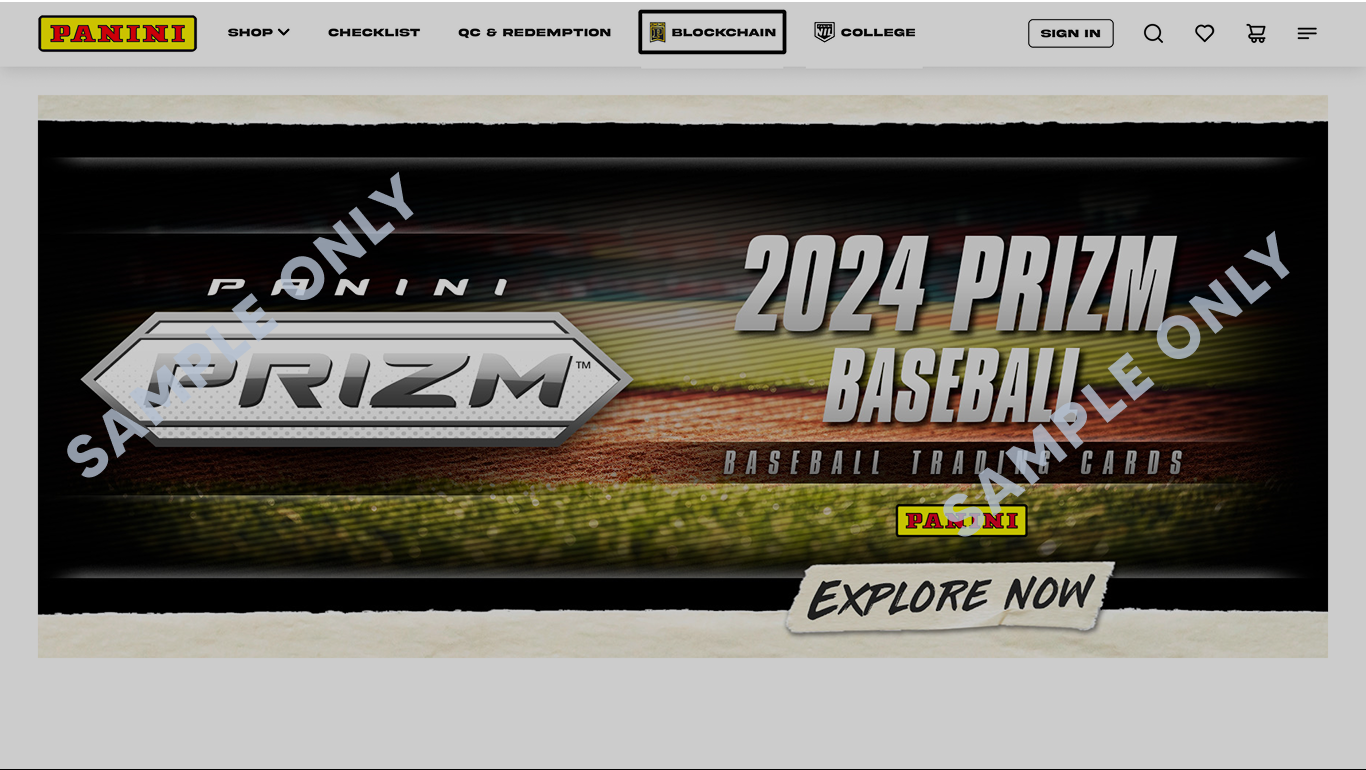
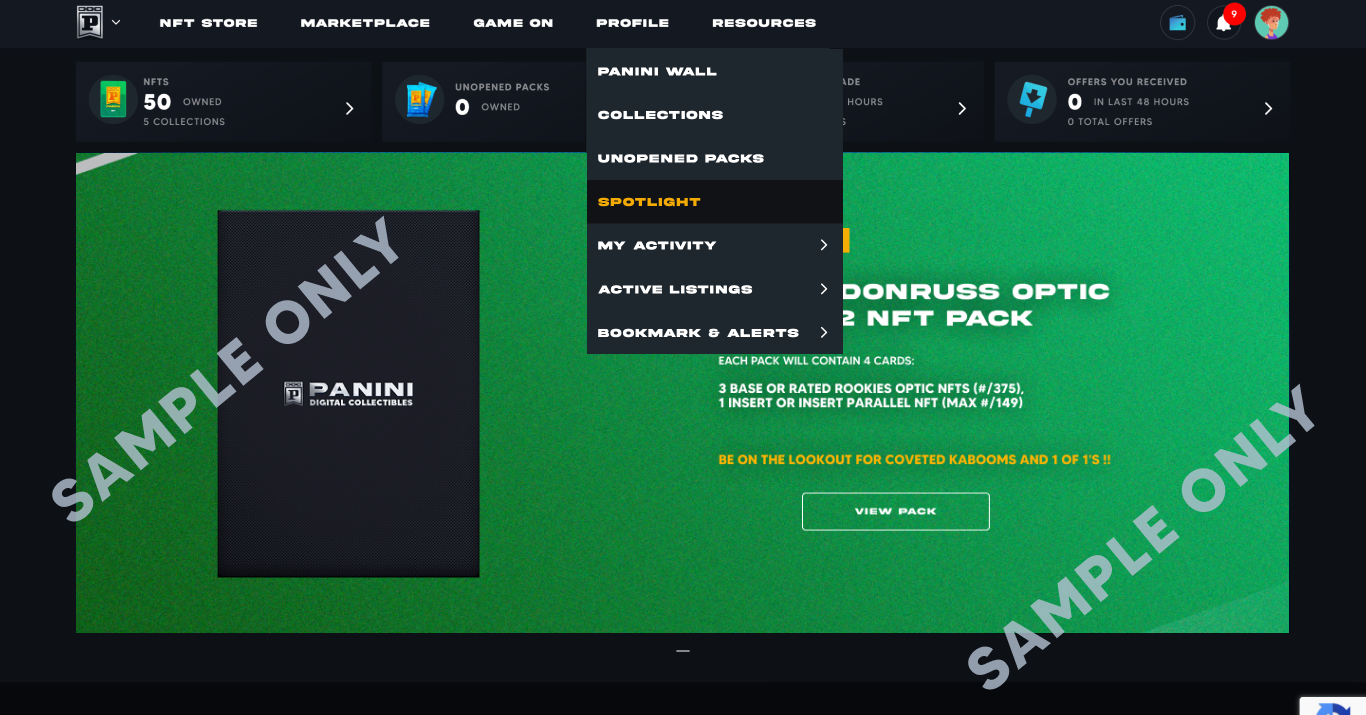
2. Click on PROFILE > SPOTLIGHT.
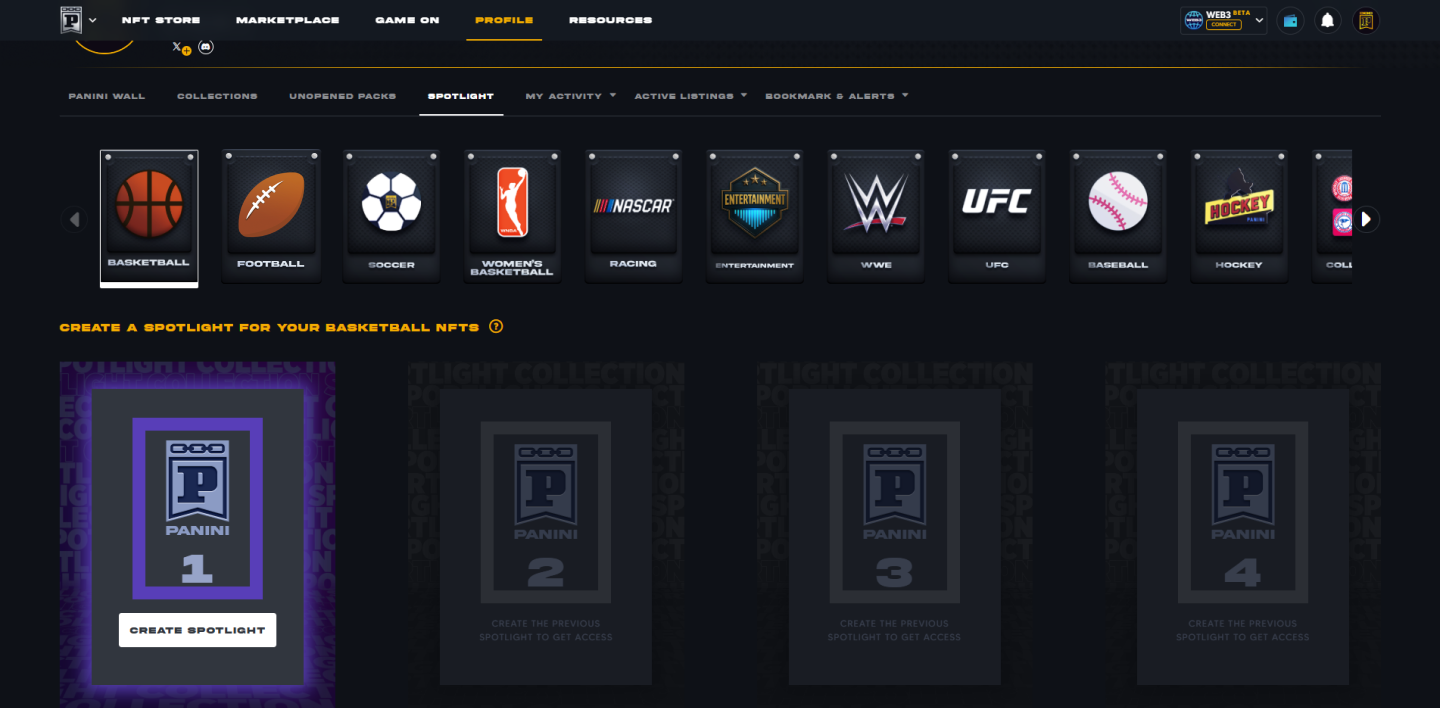
3. Click to select the sport for which the Spotlight needs to be created and then click on CREATE SPOTLIGHT.
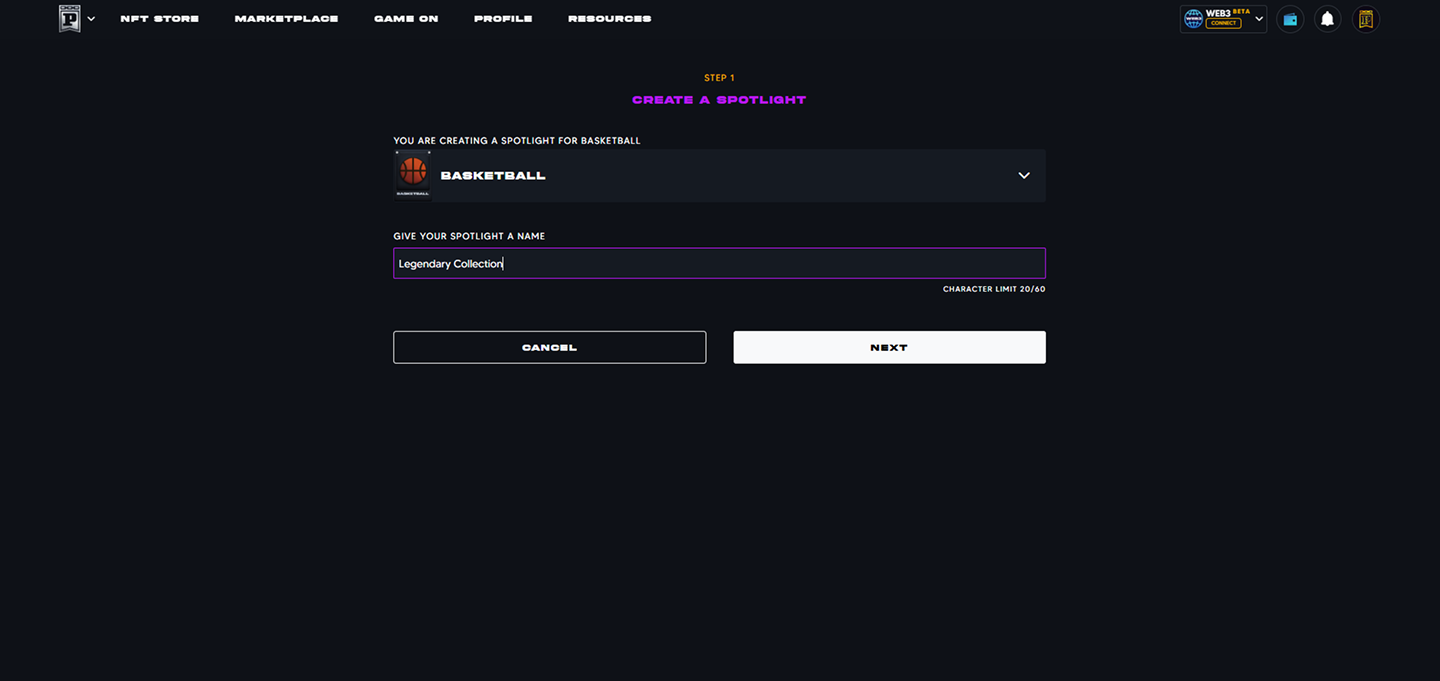
4. Confirm sport selection, enter the spotlight name and click on NEXT.
5. Click on the NFTs to select and then click on SAVE.
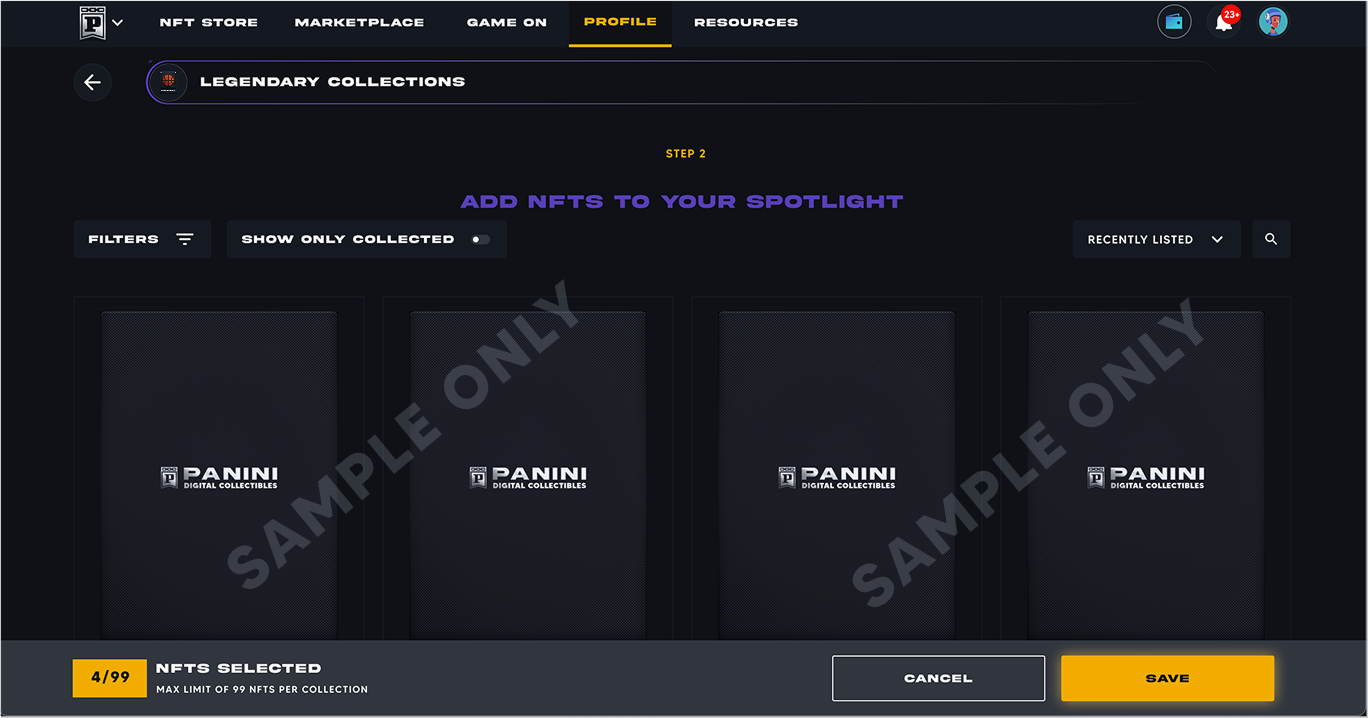
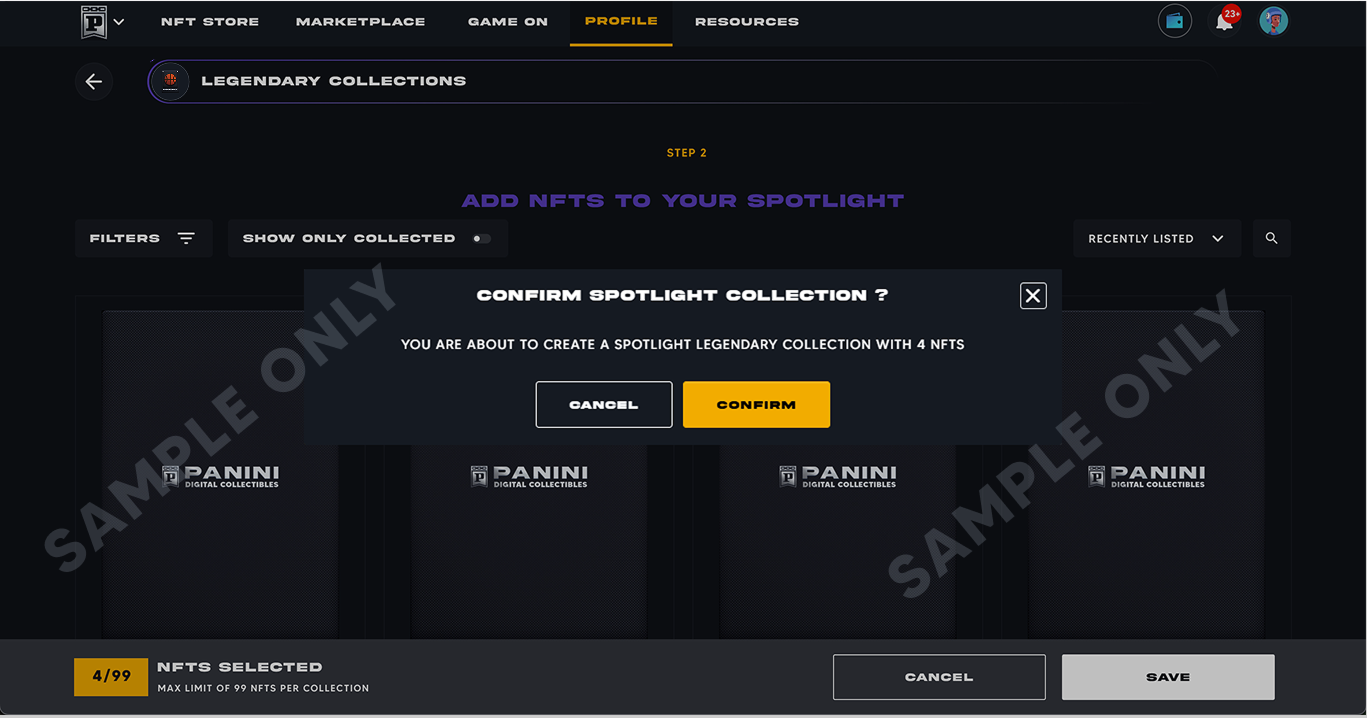
6. Click on CONFIRM to create your Spotlight.
Collectors can create a maximum of 6 Spotlights per sport.
Collectors can add a maximum of 99 NFTs in each Spotlight.
Absolutely! One NFT can be added to any number of Spotlights under the same sport.
1. Log into your paniniamerica.net account and click on BLOCKCHAIN or log into your nft.paniniamerica.net account.
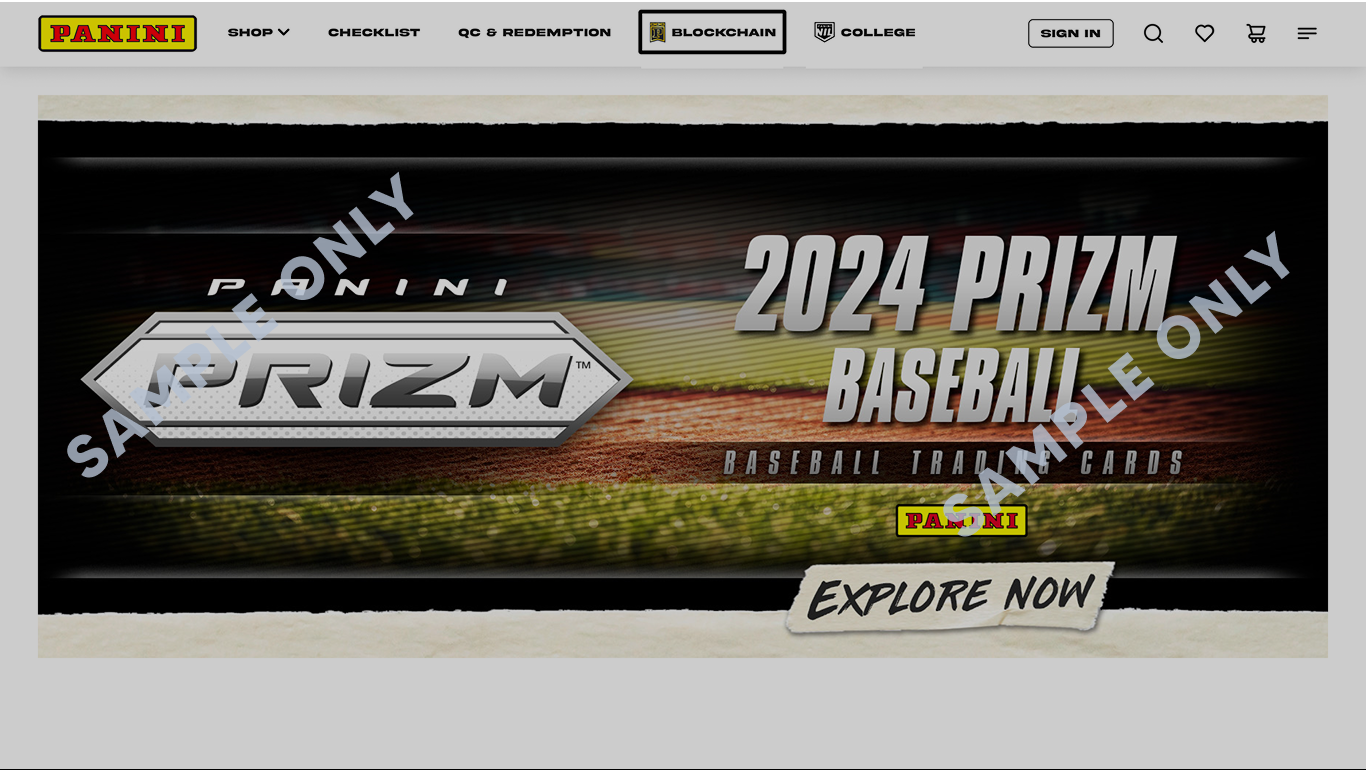
2. Click on PROFILE > COLLECTIONS.
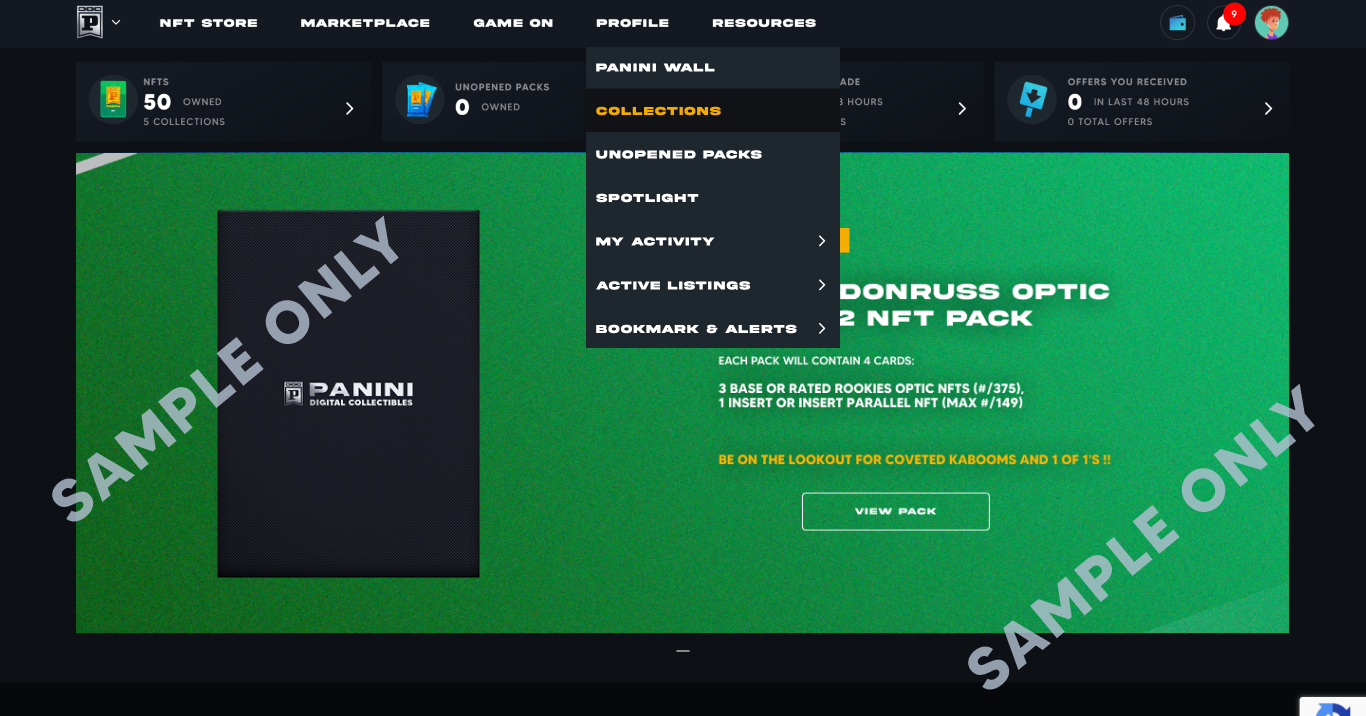
3. Click on any collections you may have.
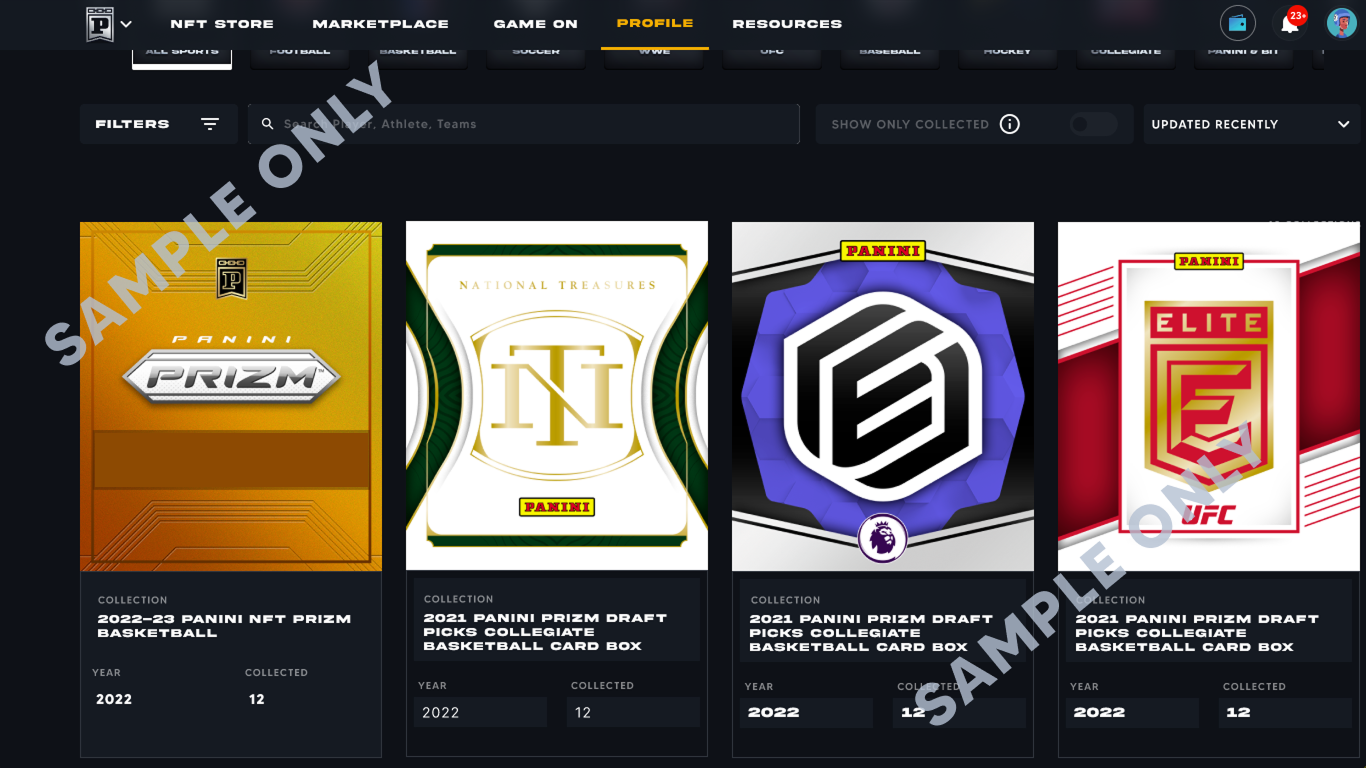
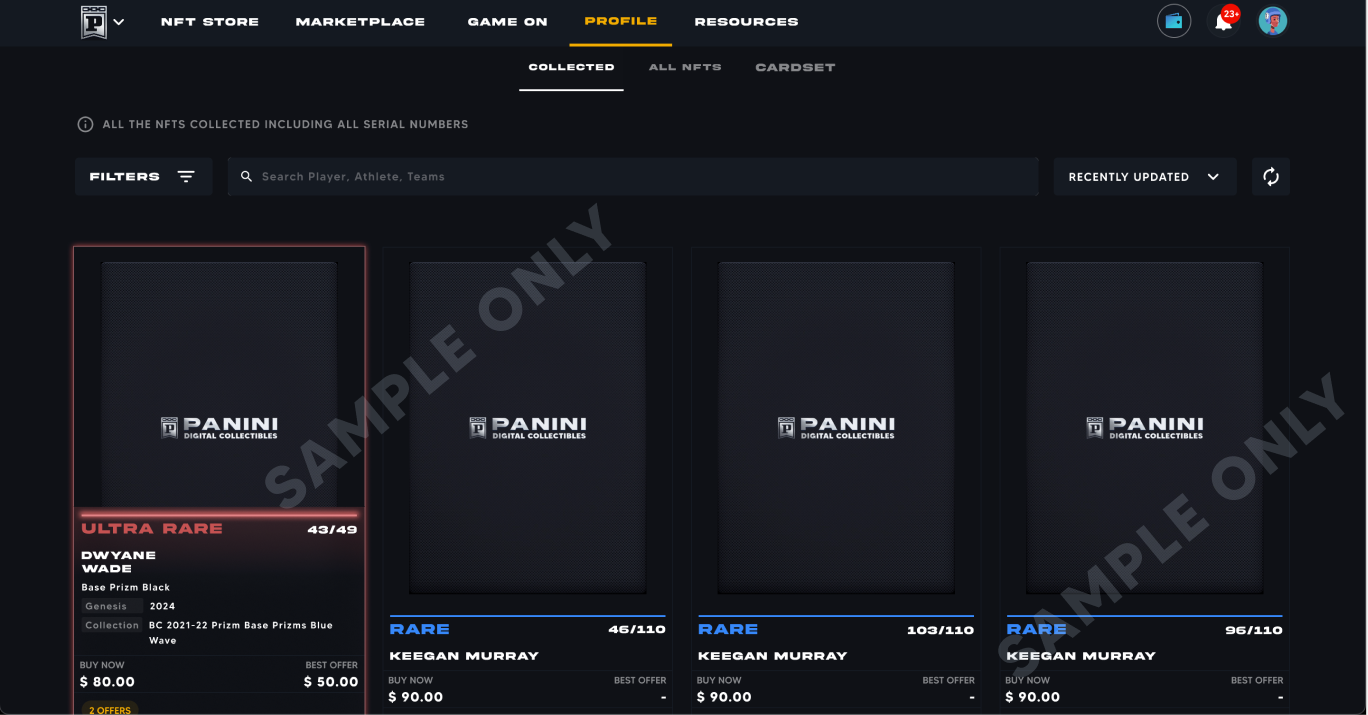
4. Click on any card under the COLLECTED tab to select.
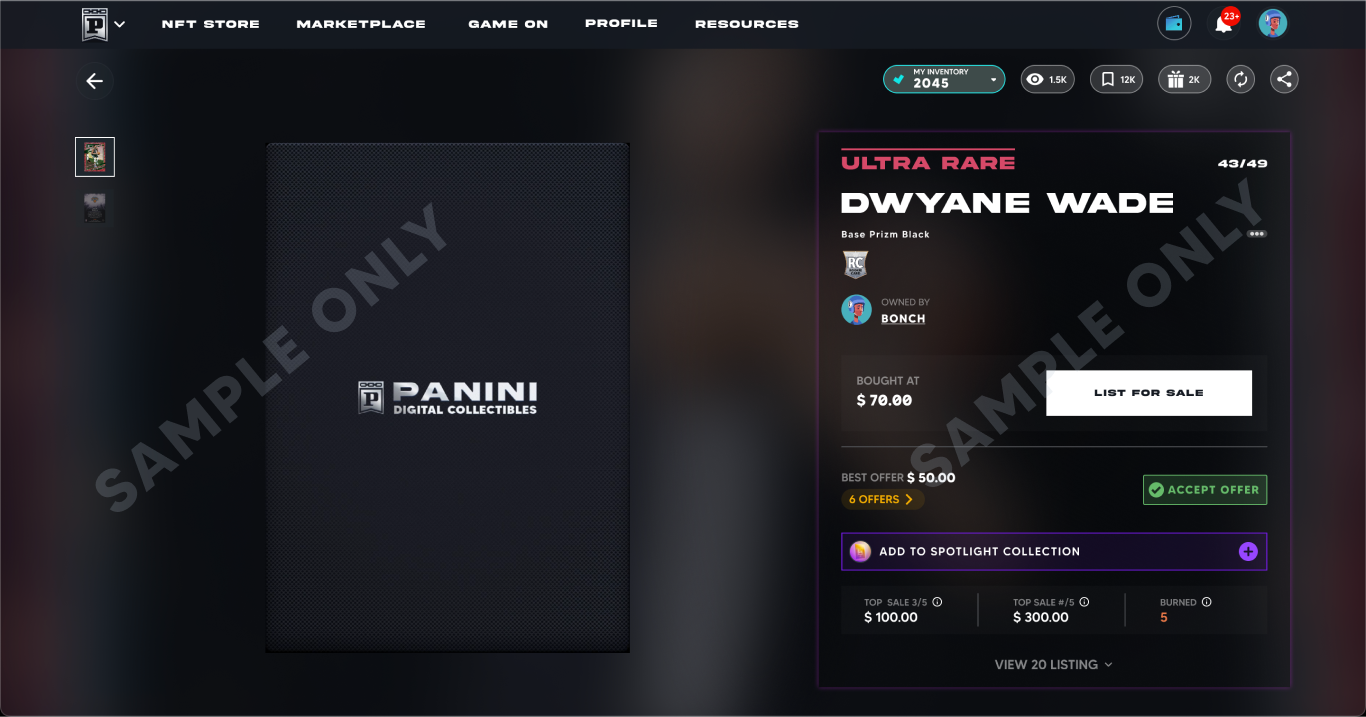
5. Click on ADD TO SPOTLIGHT COLLECTION.
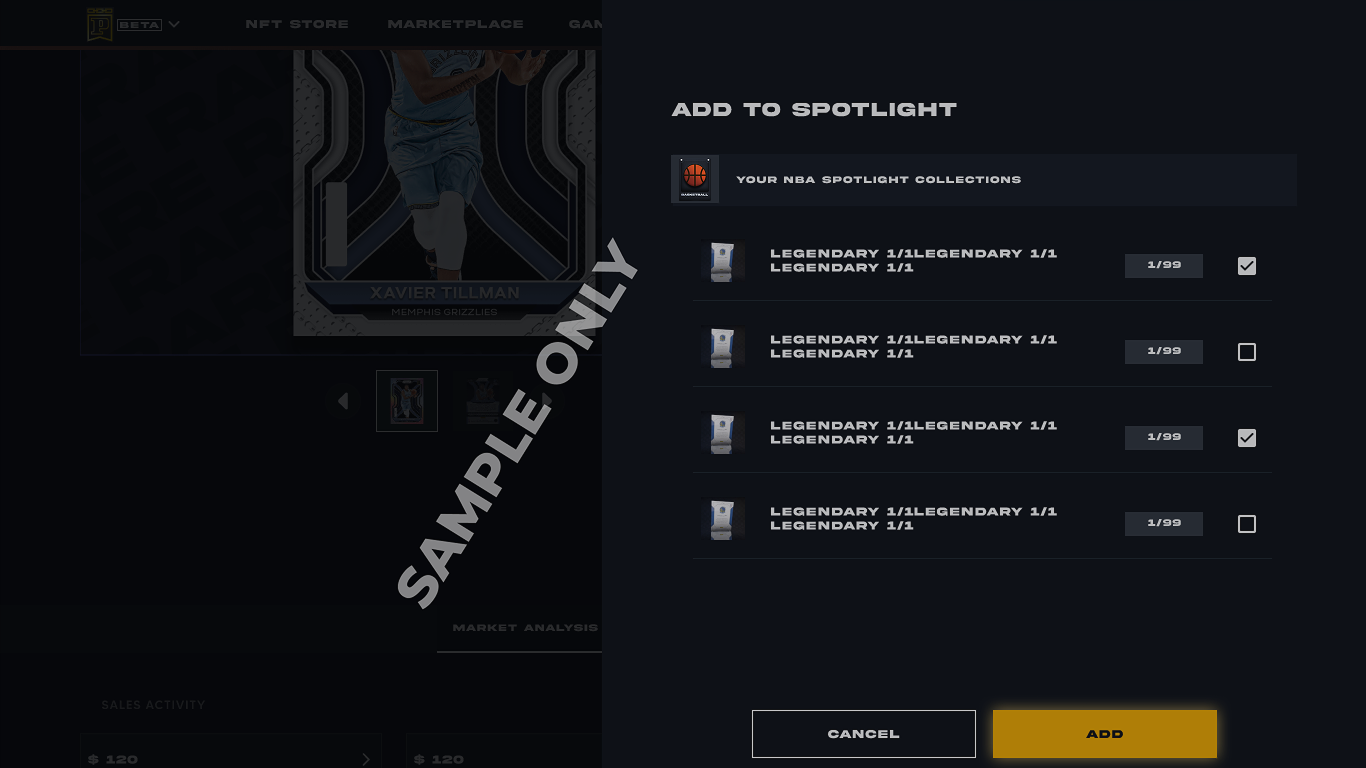
6. Click on the checkbox to select the Spotlight/s to which the NFT needs to be added and click on ADD to successfully add this NFT to your Spotlight/s.
NOTE : You will not be able to add the NFT to your Spotlight/s from the card detail screen if you have no Spotlights created for that specific sport.
1. Log into your paniniamerica.net account and click on BLOCKCHAIN or log into your nft.paniniamerica.net account.
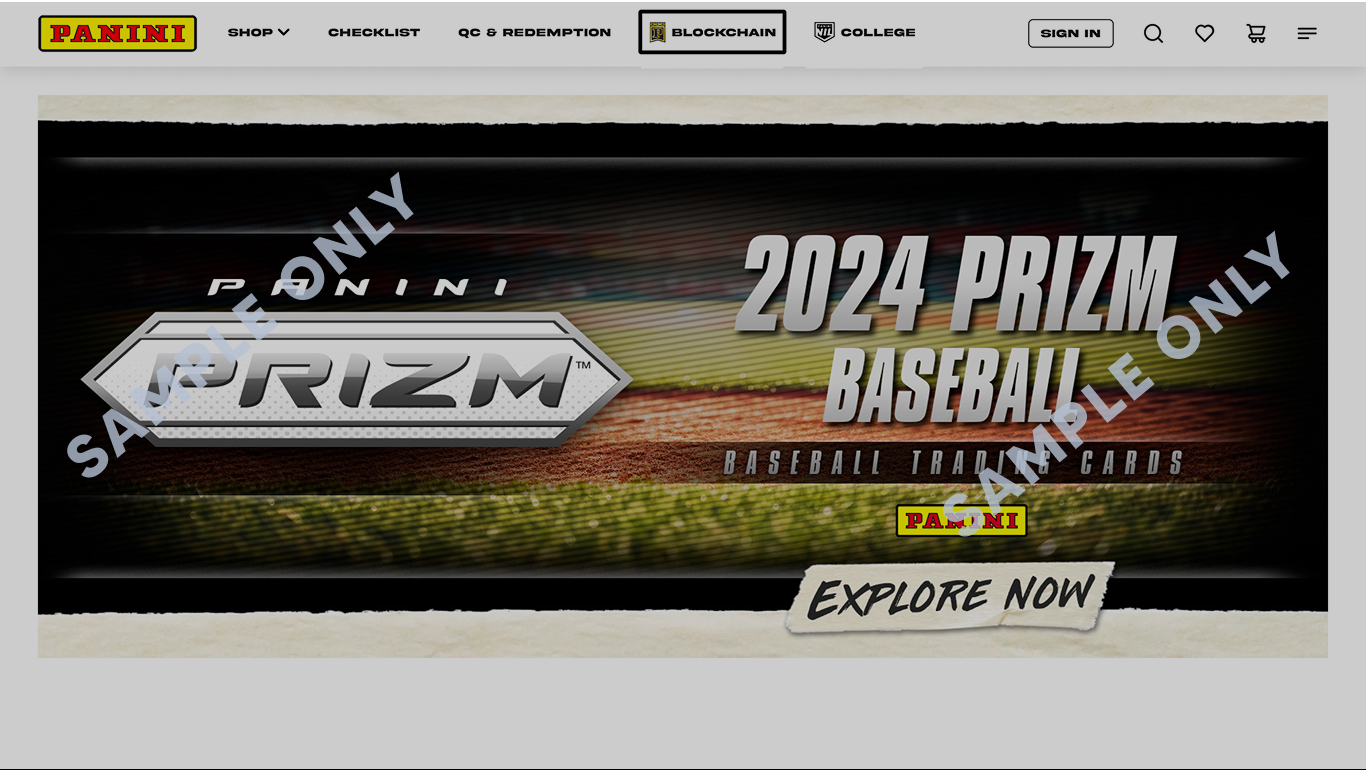
2. Click on RESOURCES > COLLECTORS.
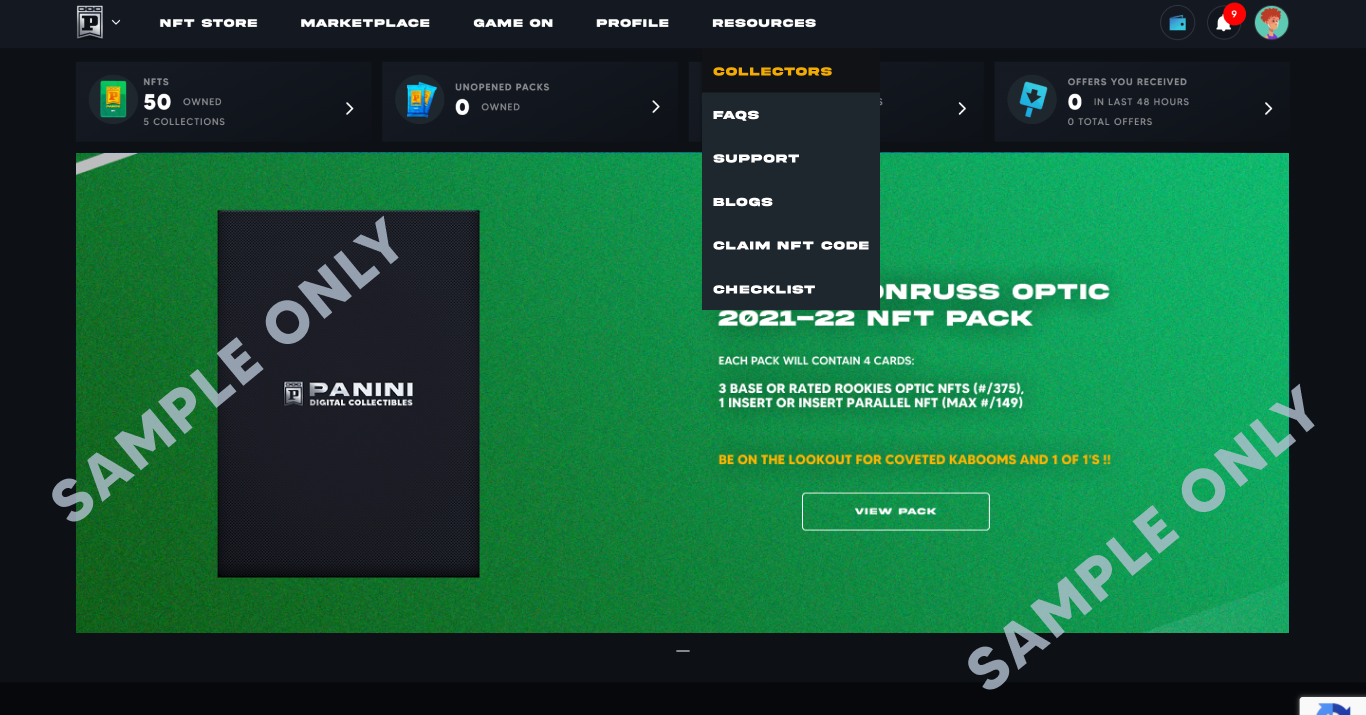
3. Search for the blockchain nickname and click on the collector to view their profile.
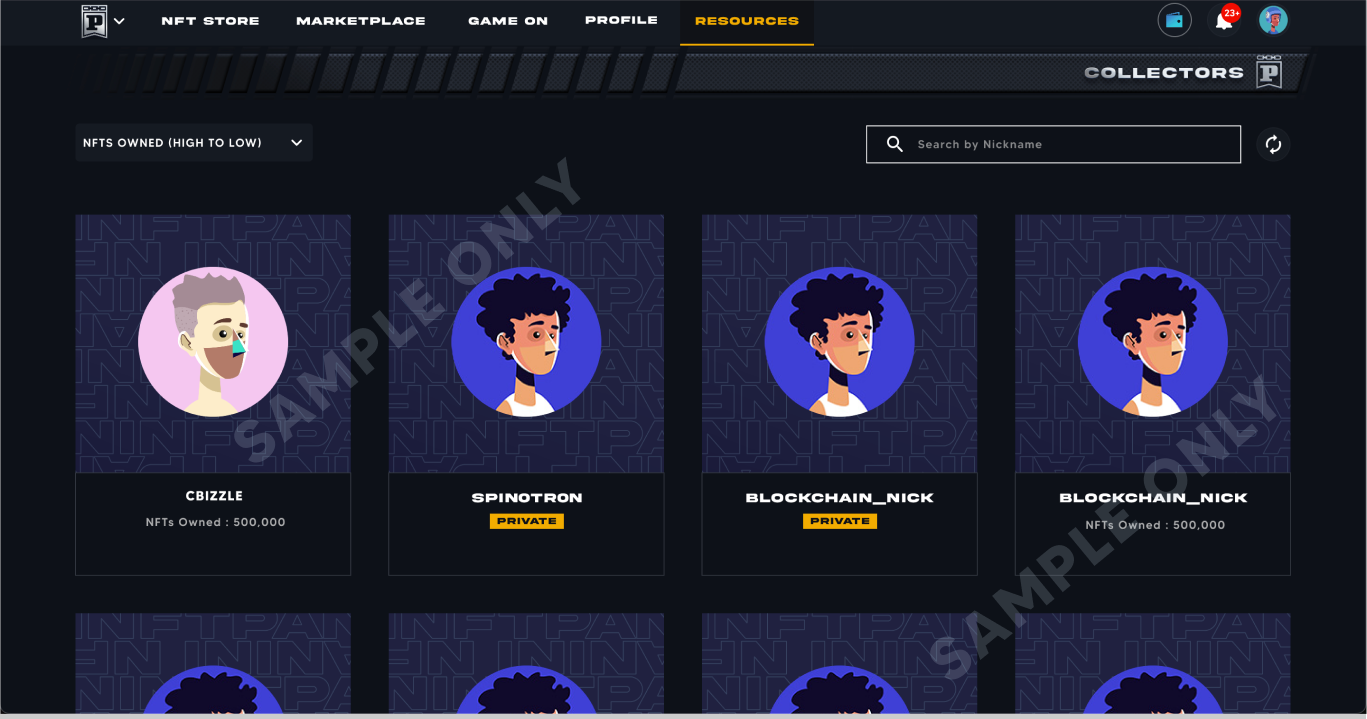
4. Click on the SPOTLIGHT tab to view all the Spotlights of that collector.
Contact Customer Support
WHAT IS A SPOTLIGHT?
A Spotlight is a folder for NFTs that can be used by collectors to highlight their best NFTs for others to view and also to organize their NFTs better.
Default Payment Settings
Bridging NFTS to Ethereum Blockchain